



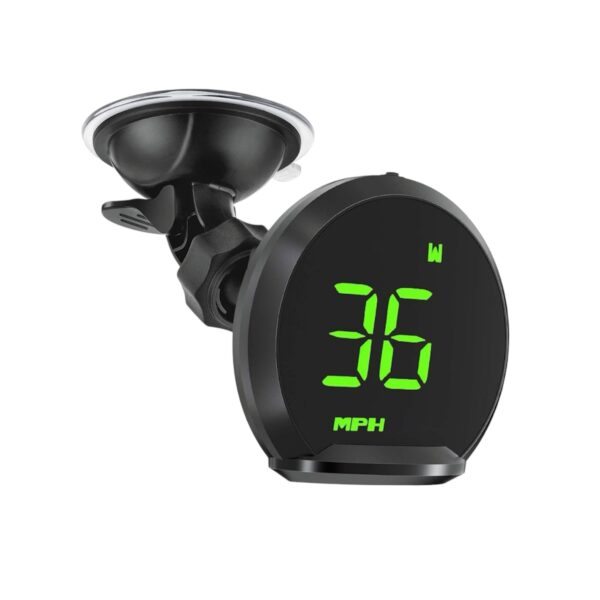
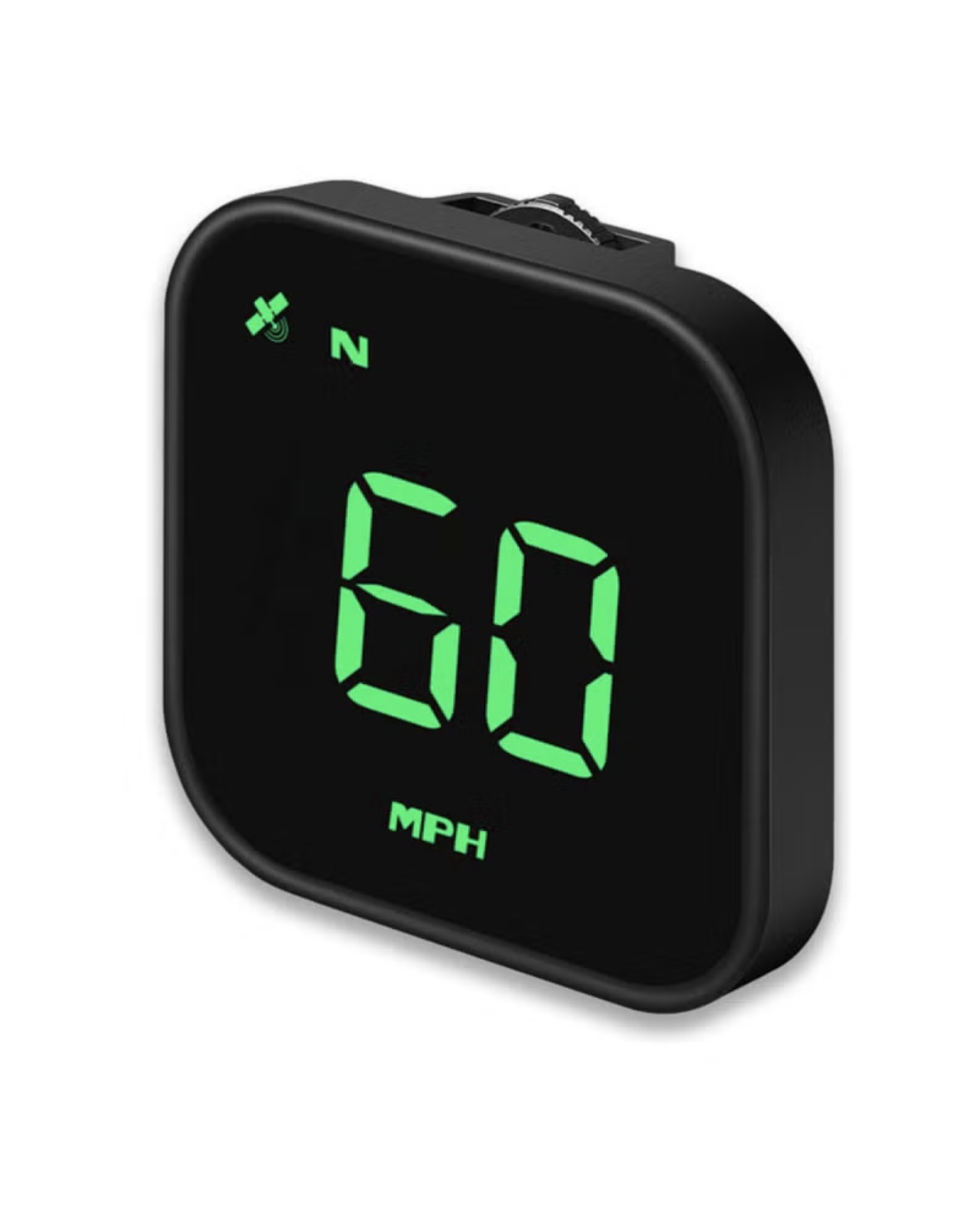
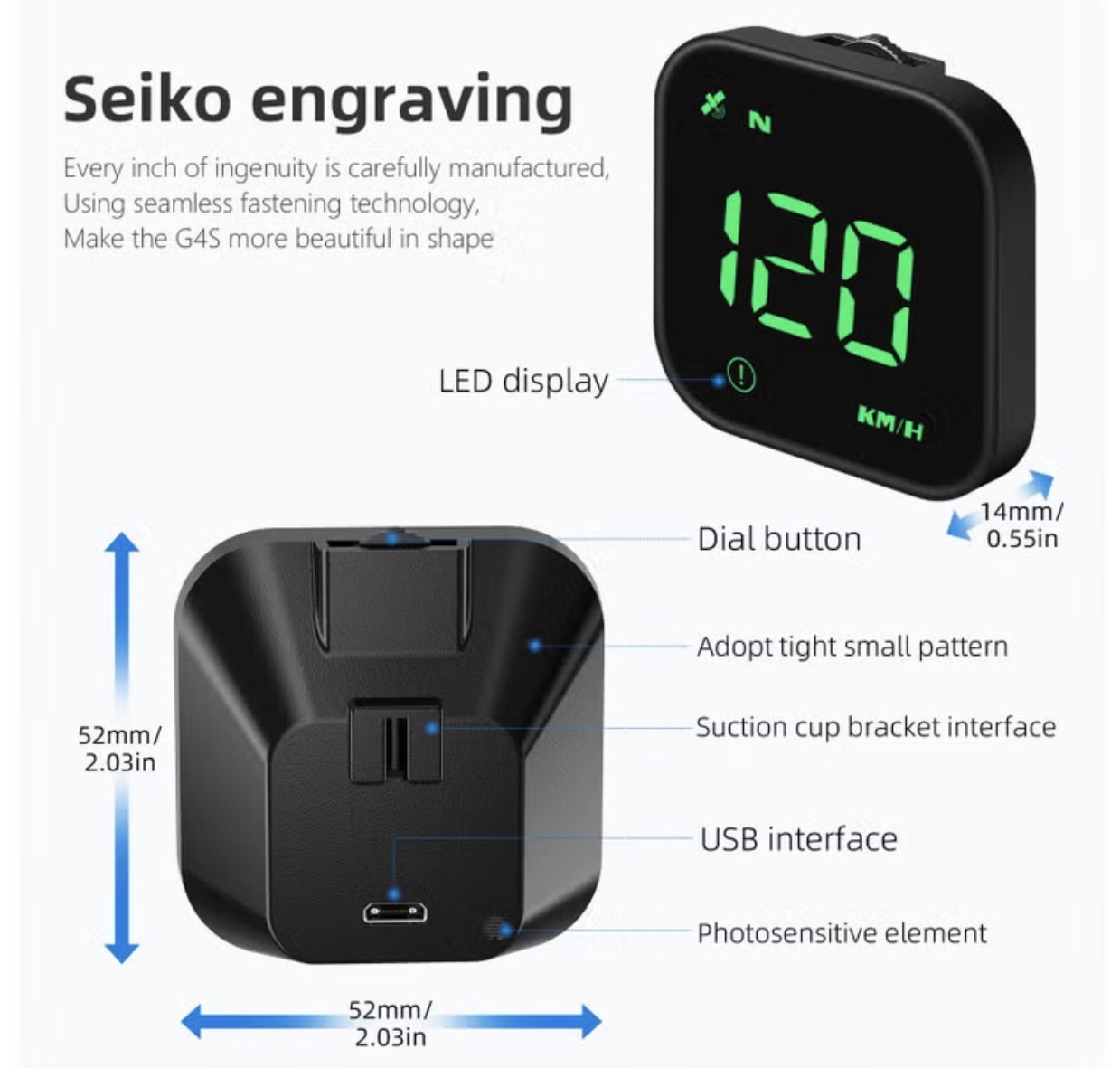
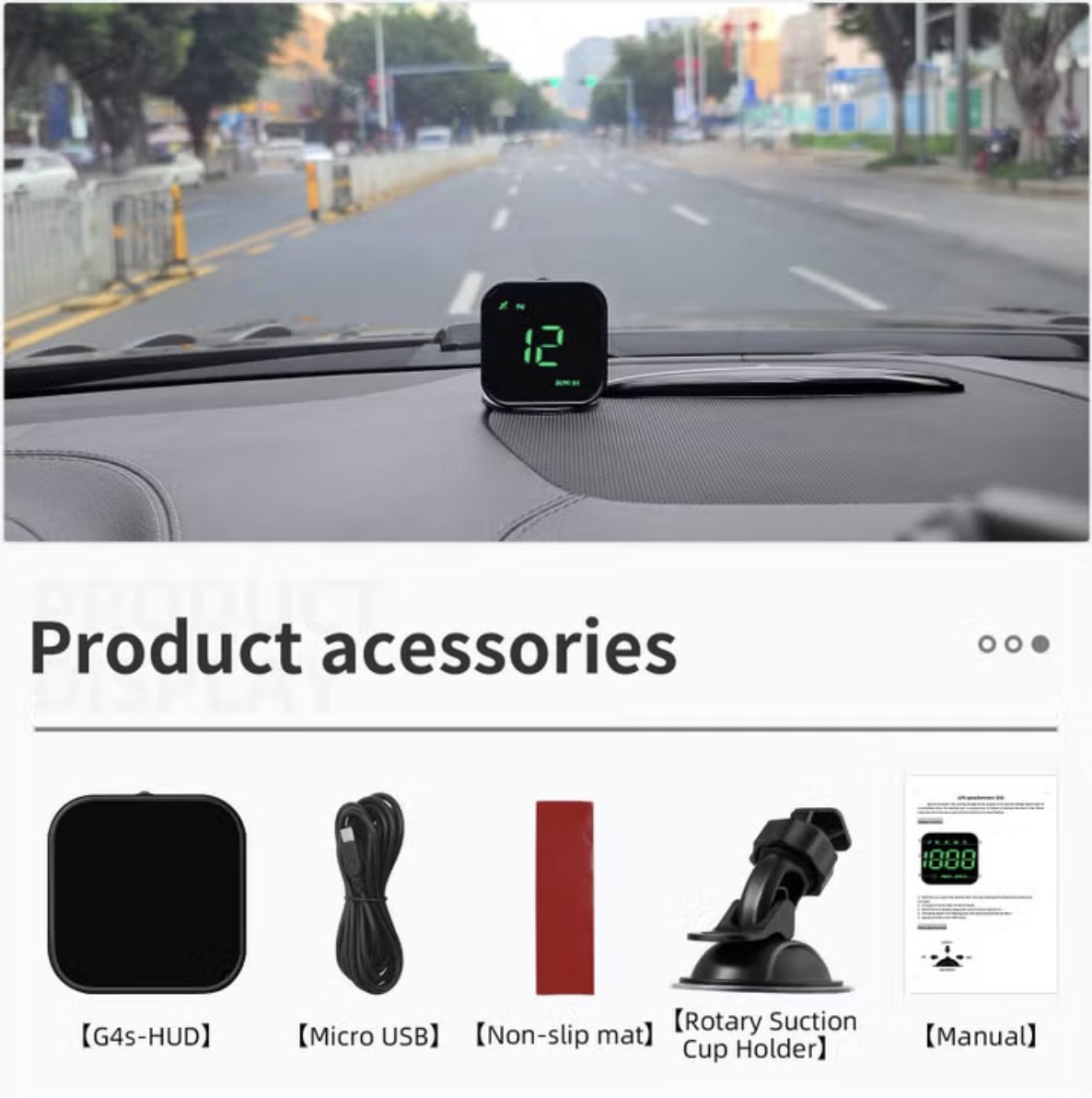
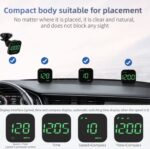


HUD GPS Speedometer for Cars, Displays Speed in MPH and KPH, Alarm for Overspeed and Fatigue, Universal Vehicle Fit
G4S GPS Speed Meter Troubleshooting
1. No display on the screen, no power
Check whether USB line is damaged, replace USB line test, and prohibit using voltage higher than 5V
2.No speed
The satellite icon flashes indicating the star search state. Please move the car to the open road and wait until the satellite icon stops flashing
3.The speed is not allowed
Check unit correct, km KM / mile MPH, (speed unit switch reference settings)
When the car leaves the factory, the manufacturer increases the speed displayed on the dashboard by 5-7%, and the international standard is subject to satellite data
The steps to switch between KM/H and MPH are as follows: After the GPS speedometer is turned on and displayed normally, press and hold the wheel button vertically for 3 seconds to enter item 1 (1-7), then toggle the wheel button to the left or right to switch to item 5, then press the wheel button vertically to enter the speed unit adjustment, toggle the wheel button to the left or right to switch to the speed unit you want (0 for and 1 for miles), and finally press and hold the wheel button vertically for 3 seconds to save and exit.
4. Driving direction is wrong
The satellite can’t tell your direction when there have no speed, and the speed exceeds 5KM / H
5. The speed is still displayed after the car is stopped
Underground parking lot, tunnel, overpass, with shielding will make the signal unstable satellite drift, please drive the car to the open road
6.Turn off the buzzer
The wheel dials left for 2 seconds to turn off the buzzer and dial left again to open the buzzer
Highlights
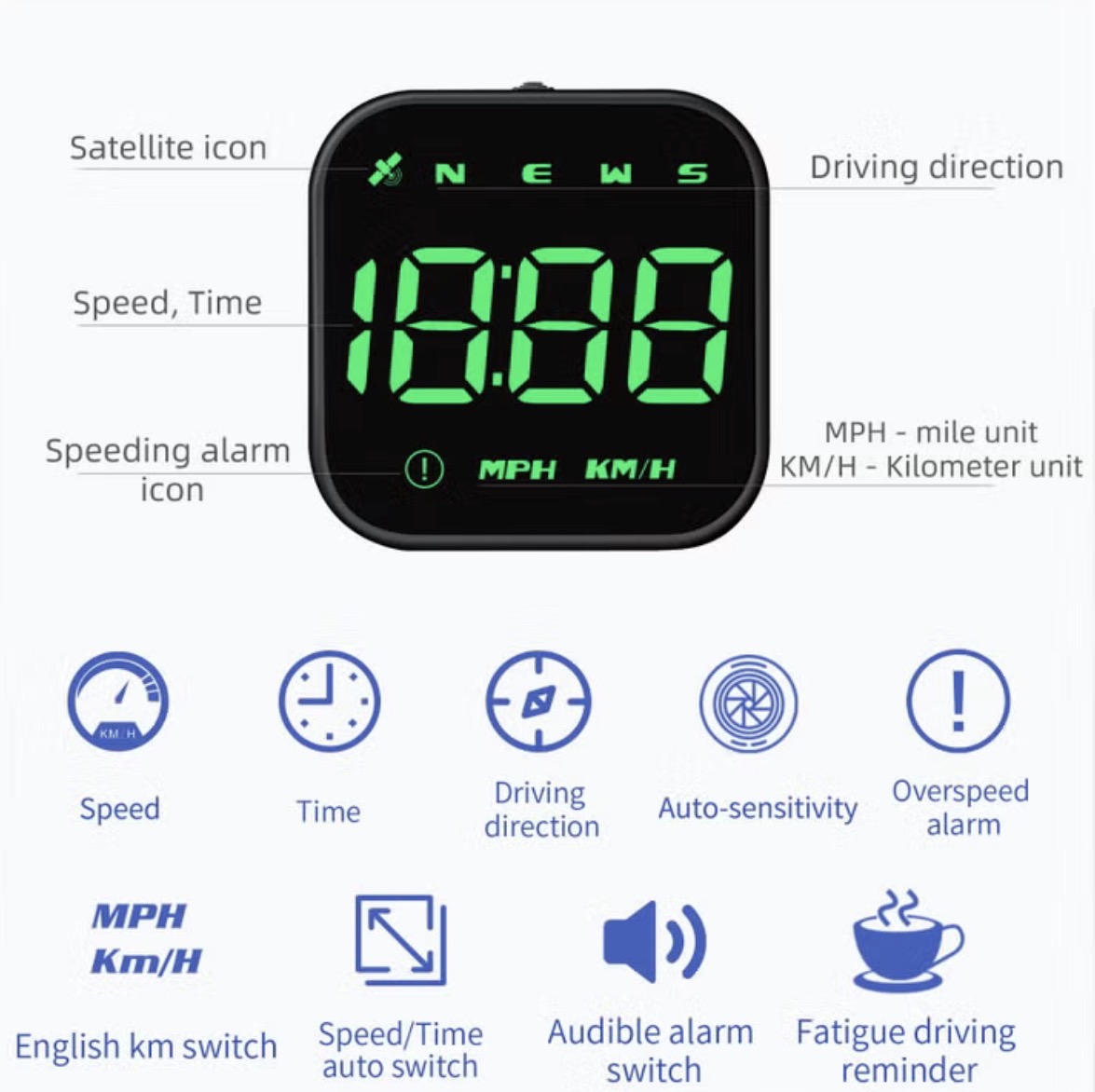
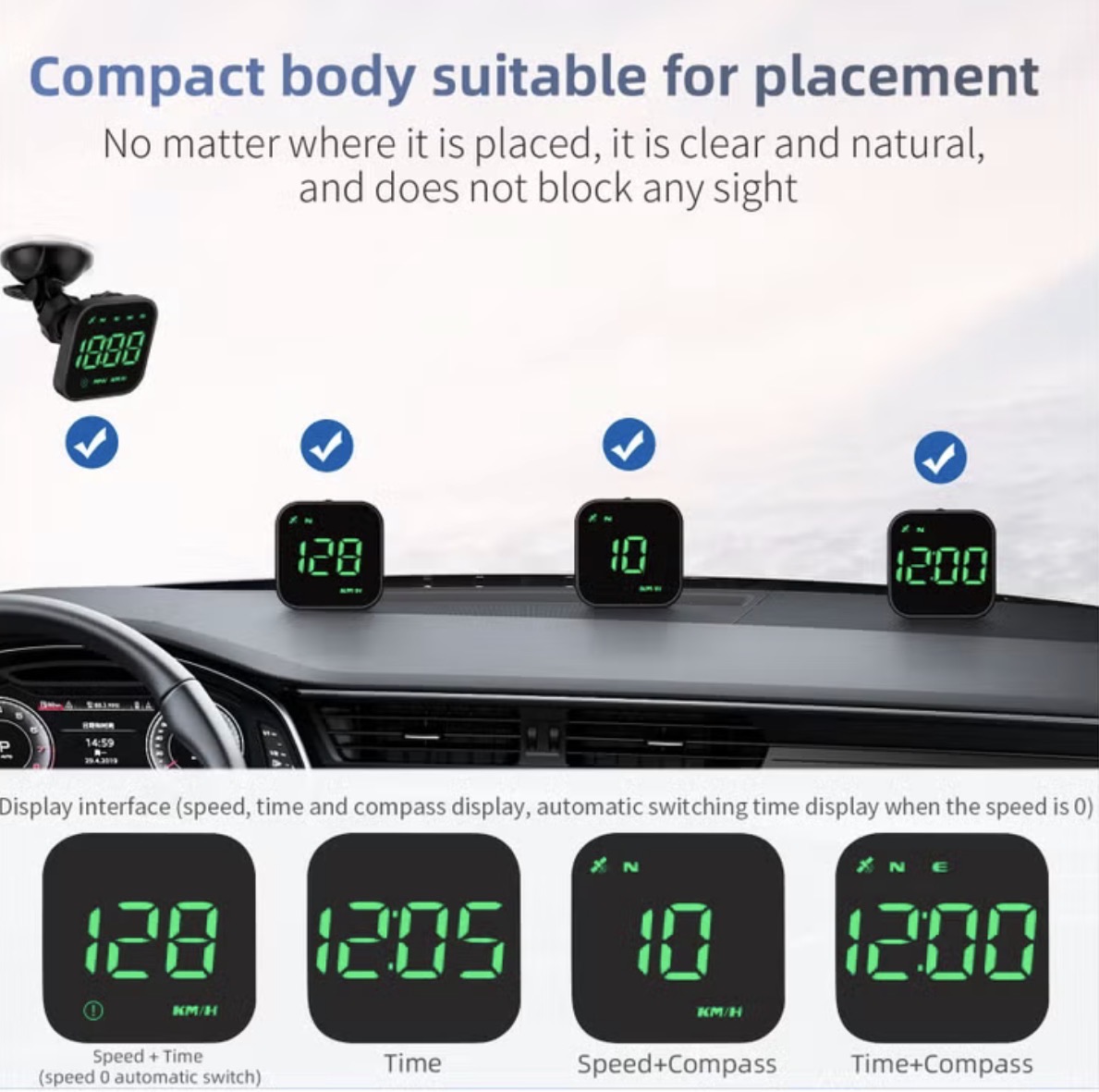
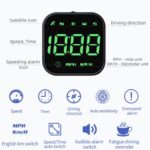
- [Multifunction Speedometer) Displays the speedometer, clock, number of satellites, direction of travel and other information in your driving view. You can safely view driving information, focus on driving operations more safely.
- [With Compass Features a GPS navigation direction compass. Equipped with a light sensor that adjusts its brightness according to different light, it is very clear in bright light, providing safer driving experience.
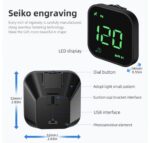
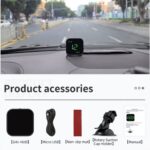
- [Compatible Models All models. Simply attach the GPS meter to the dashboard and install it in less than 1 minute without tools. Any compatible model can be easily installed.
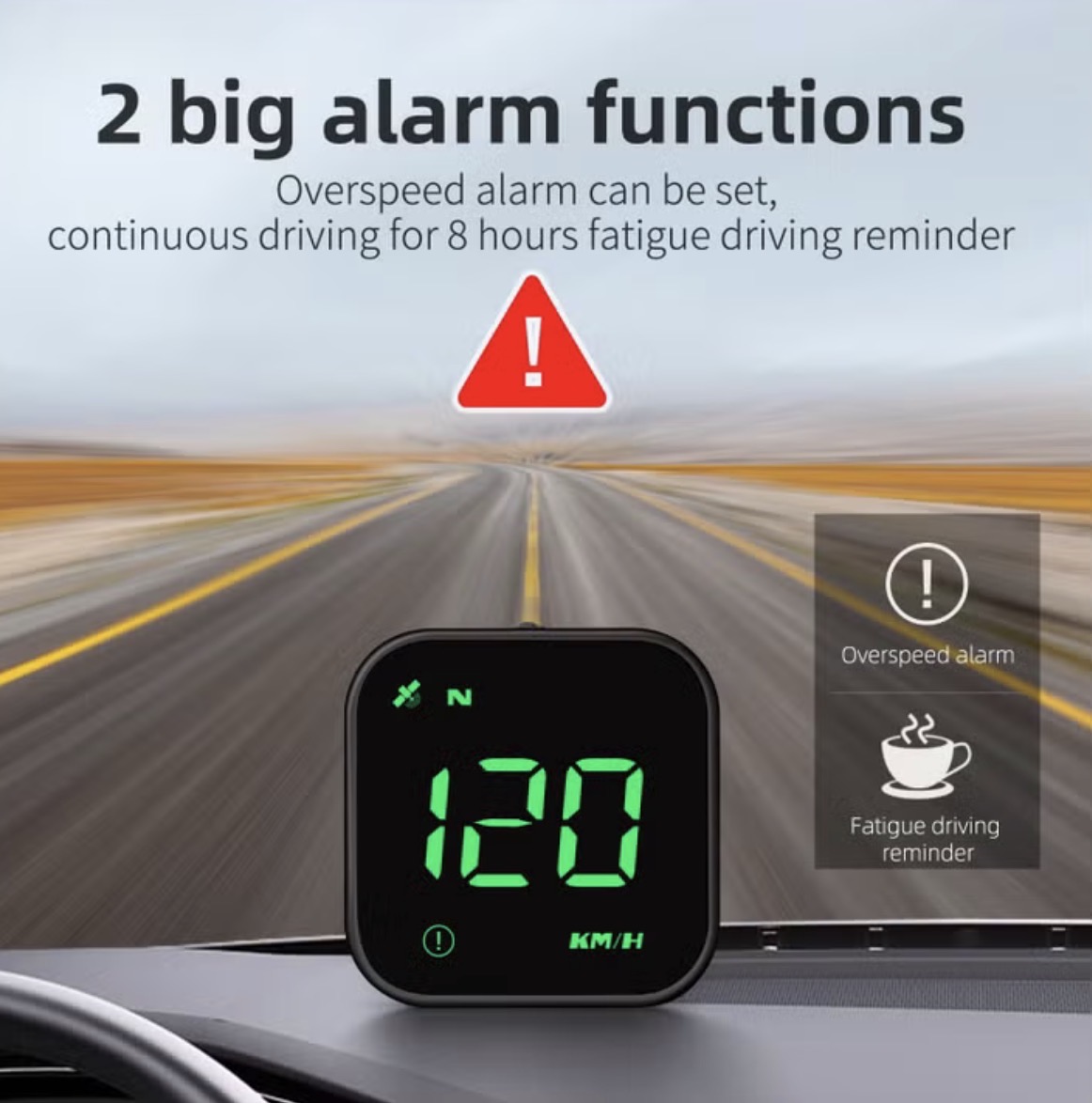
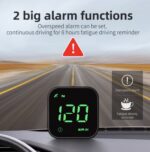
- Abnormal Alarm Function Additional instrumentation with speeding and fatigue driving alarms make your driving safer and more comfortable.
- [Sincere Service) The HUD Head-Up Display will be if it fails under normal use give refunds.